You’ve just recorded a podcast that you know is a banger. You’re patting yourself on the back all smug that you’re going to blow your listeners away with how great you are.
Then you listen back, and you realise it sounds terrible.
You investigate further only to realise that your microphone wasn’t plugged in and you immediately regret your life choices.
Most people have been there. It’s soul destroying.
But all may not be lost.
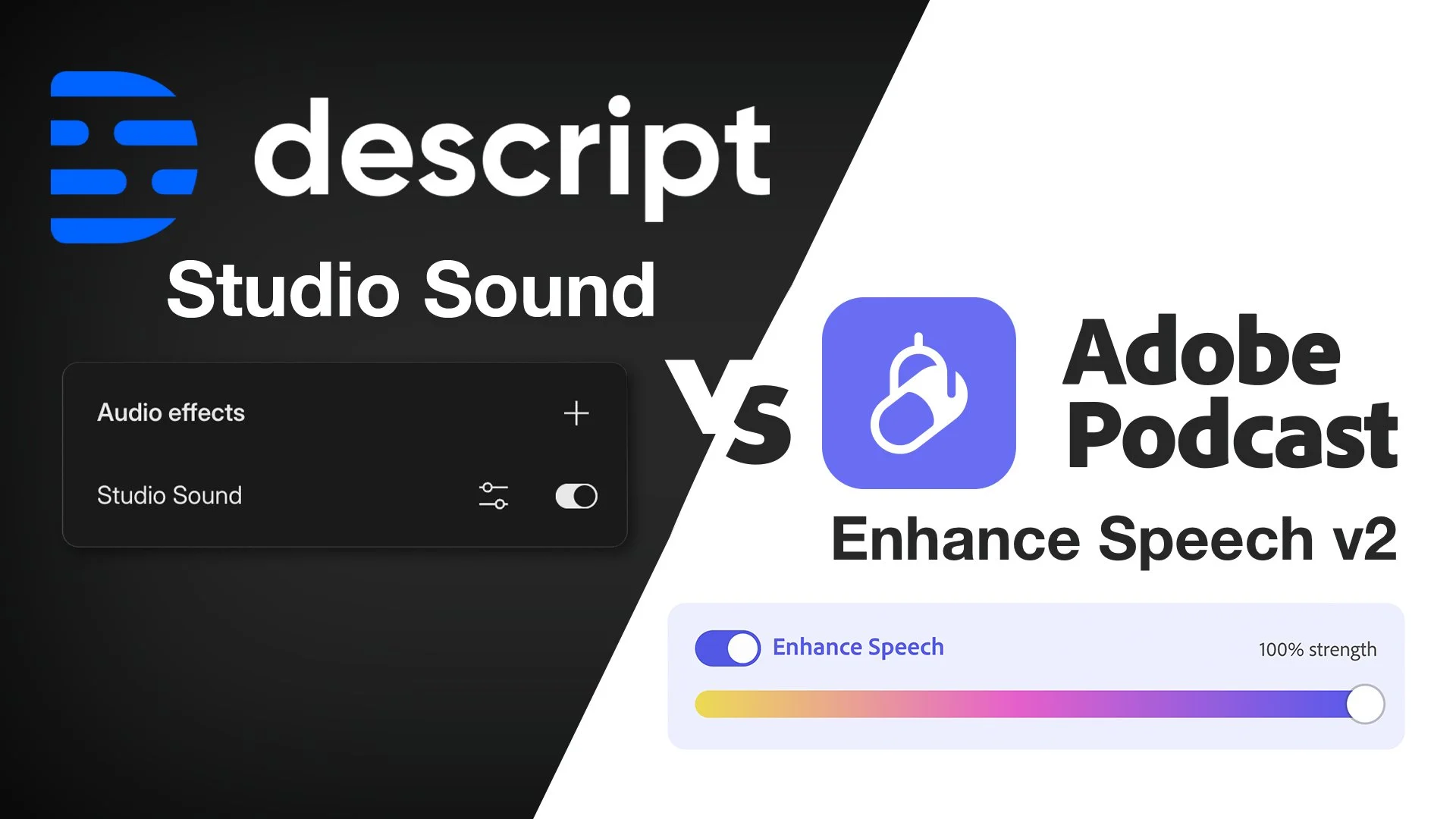
The wonders of AI bring us two intriguing audio enhancement tools to potentially save the day: Descript Studio Sound and Adobe Podcast Studio V2. As a podcast production company using AI tools every day, I decided to put these two up against each other, exploring which audio enhancement software does the better job.
Before we begin, let me make something very clear. Quality audio is everything in podcasting. I would argue that a decent portion of your success will come from the quality of the audio that you’re delivering.
It’s an audio platform, good audio is expected.
So at all costs, you should be working to ensure your audio is of the highest possible quality.
But I know it’s not always possible.
So, my test today was designed with four different scenarios we come across here at Bamby Media on a weekly basis. We have car noise humming, disruptive clothes rubbing sounds, no microphone at all and a microphone that is too far from your mouth.
The struggle is real.
The Car Chaos
When it comes to eliminating pesky traffic noise, Adobe V2 takes the crown for actually removing the background noise completely. It was a miracle that left me flabbergasted. However, while Adobe wins on the noise front, the voice quality suffers considerably —sounding highly digitised and unnatural. Descript left more of the background noise in the audio but my voice sounded much more like me, retaining a natural warmth.
Descript wins this round.
The Rubbing Rumble
Rubbing sounds can be another pesky nemesis. Here, Descript made strides, significantly reducing rubbing noises while keeping my voice sound (mostly) natural. Adobe V2, while almost eradicating the rubbing sound completely, still didn’t quite hit the mark with the digitisation effect on voice quality.
For preserving those vocal tones we cherish, Descript steals this round.
The No Mic Nuisance
Recording without a microphone might sound like a nightmare, but it happens more often than we'd like—especially with guests lacking the proper equipment. Under this scenario, Adobe V2 pulls ahead, managing to balance the absence of a mic better than Descript, which created an unwanted "sucking" effect. Adobe’s ability to smooth this out gives it the edge and bring tone back into the voice was impressive.
Adobe takes the cake!
The Faraway Fiasco
Last but not least, I tested the tools with a mic placed about 50 cm further away from my mouth than it should be. Adobe V2 definitely outperformed here, managing to revive sound from a distance, though with a slightly robotic twist. Descript's attempt at saving faraway audio landed a miss for me—it just couldn’t hold up to Adobe’s performance in this instance.
Adobe is the winner here.
Do We Have A Winner?
Descript Studio Sound shines in situations heavy with background noise, focusing on preserving that authentic voice sound albeit still including a little of the background noise. Adobe V2, though not perfect, works wonders in scenarios where microphone setups are less than ideal.
So I don’t have a clear winner today. Both had pros and cons and suited different situations better.
As AI tools continue to evolve, we podcasters can only hope they inch closer to delivering flawless sound, making edits possible even in demanding situations.
Though in my opinion, how about we focus on just recording high-quality audio in the first place? That would negate the need for these AI tools at all.
It’s wishful thinking, I know.
And if your audio still doesn't sound quite right and you’re too pressed for time or patience to fix it yourself, remember that you can always seek out help for a custom review of your audio from our team.
Transcript:
-
Brianna: [00:00:00] If your audio has a lot of background noise or you feel like you're too far away from your microphone when you recorded it and you're wanting to try and fix it, there are a couple of tools that you can use to help you achieve something of a good result. So I'm going to go through Descript Studio Sound, which is an AI based tool.
Adobe V2, which is part of their podcast studio sort of area. So. I've pre recorded some crappy sounding audio. So we've got four different sounds. We've got me with some car noise. It's quite loud and distracting to see if we can manage that. Actually, no microphone at all. And it's just the laptop that we're relying on.
This is particularly handy for those of you who interview people. You have guests and the guest doesn't have anything. Can you fix it? We're going to have a little look at that as well. We've also got Rubbing. So I just used this now when you're doing like a podcast recording, sometimes you've got like clothes that make noise or the [00:01:00] guest has got clothes that make noise and it can be quite distracting.
There's something going on and there's just these little sounds that you can't sort of manage, can't get rid of. So I've done one of those. And then the other one I did was actually just this microphone. Way too far away from my mouth. It is something that is very common, and do these tools help in that situation as well.
Now, I want you to also put in the comments from what you've heard when you listen to these, what your favorite ones are or whether you feel like one performed better than the others, and if there's any others that you think I should try. Let's go into this. I'm gonna share my screen with you and you're gonna have a look at what we are doing.
The first thing I'm going to show you is I get you to listen to what we originally have as our different audio samples. So we've got the car traffic noise.
Okay. We can hear some car traffic noise. We'll go into it in a minute. We've got the rubbing. You can hear some rubbing there. [00:02:00] We've got the no microphone. I'm also doing a test where I'm just relying on the, Terrible. This is so far away. Too far away. And it's going to be picking up all sorts of Too far away.
Okay. So there are four. Now what I've done is I've put each of them into these separate things. So we've got Enhanced Speech V2, which you have to access via podcasts like Adobe Podcast Studio. You have to have an account for this, and then you go to Enhanced Speech to access V2. It brings you into here.
You can upload your files and you can see, you can press. Enhance speech once it's happened and you can set the strength. Descript, similar sort of situation. You have to go into Descript, you have to set it up as a new session like I've done here, a new project, and then I've got different compositions within each one for each thing.
So can't always rubbing, no microphone and too far away. Once you've created the individual sessions, then you need to go click on the timeline [00:03:00] here, hit the You can go to Underlord and it will be in Underlord under Studio Sound or if you go to the layer it will also be there in the layer. You just hit it on like press it on and then it will start to like listen to it and assess it and then give you the outcome.
So I've got them set at 90 percent. I'm going to give you my feedback on each of them so that you get a feel for what I think wins, but before I do that I'm going to prompt you to put a comment in which one wins for you. Let's start with the traffic one and we're going to have a listen to each of them.
It's quite loud so you hear all those all these car sounds and then I start talking okay. And then as we go on, welcome to my podcast. My name is Brianna and I'm the, that's the car sound. All right, now let's play with it in Adobe V2. So this is the, let's get the car [00:04:00] sound. Here we go. Car sound here, pressing play 90 percent strength.
It's quite loud.
There's a lot of noise in here. So I'm going to talk over top of this. Welcome to my podcast. My name is Brianna and I'm the head honcho here at Bamboo Media. Now, let's go to Descript. Same thing. Car sounds please.
It's quite loud.
There's a lot of noise in here. So I'm going to talk over top of this. Welcome to my podcast. My name is Brianna and I'm the head honcho here at Bamboo Media. What do you think? So, if we listen back, welcome to my podcast, my name is Brianna. Welcome to my podcast, my name is Brianna. Welcome to my podcast, my name is Brianna.
How does [00:05:00] my voice actually sound in each of these scenarios? Because it's all well and good to remove the background noise, but if you sound like trash, if it doesn't sound like you anymore, what's the point? Yeah? So, you've got to have this midway, like, think about that as well. So. Yeah. Go and have a listen again.
So for the traffic noise, for the background noise removal, Adobe V2 did the best job of removing the background noise for sure. Didn't, did you hear that? Yeah. It sounded like there was no background noise. That was actually pretty insane that it removed it. But the problem I have with that is that when you then listen to my voice.
Sounds rubbish, doesn't sound very good, like it's all digitised, it sounds weird, it's like all these different sort of tones in there that aren't quite right. It just doesn't sound natural at all. So the background noise has been removed, but I don't think I sound very good. Now with Descript. There was less of the background noise actually removed.
You could still hear a little bit of the, [00:06:00] like a little bit of that sound, right? You can hear it, but my voice was preserved a lot better and actually sounded pretty good. Like, let's be honest, it sounded pretty good. Sounded like me, uh, more than the Adobe V2. Okay, now let's go into the rubbing. So bringing it up again, I'm just going to rub it and I'm going to talk.
And we're just going to see sort of what sounds it picks up. So hear those, chk, chk. Those sounds. So that's what we're trying to sort of remove a little bit. Let's go to the rubbing here for in V2. I'm just going to rub it, and I'm going to talk. And we're just going to see sort of what sounds it picks up, how much of it it picks up.
Okay, wow. Now I'll descript. I'm just going to rub it, and I'm going to talk. And we're just going to see sort of what sounds it picks up, [00:07:00] how much of it it picks up. Okay, so the rubbing. Put in the comments, what do you think. Which one wins, Which one minimises the rubbing, Which one's preserving the voice best, what's the situation there, I'm just gonna rub it, and I'm gonna talk, and we're just gonna see sort of what sounds it picks up, I'm just gonna rub it and I'm gonna talk, and we're just gonna see sort of what sounds it picks up.
I'm just going to rub it and I'm going to talk. And we're just going to see sort of what sounds it picks up. Have you done that? Okay, cool. Again, the Adobe almost just, there was no sound at all. Right. But again, digitization, just whatever they've done is not. Awesome. And actually getting that to sound still good as a vocal descript.
It actually removed a fair bit of the rubbing. It did better with the rubbing than it did with the car noise with the like, you know, [00:08:00] just sort of monotonous sounds. It did better with the rubbing. That preserves my voice better than the V2 does. And it got rid of the All right. So again, descript in this situation wins for me, because again, my voice is preserved.
It still sounds pretty good. And I can go in with EQ and compression on top of that. By the way, while we're here. If you want help with this kind of thing, so if you have an EQ compression problem, if you have audio that it sounds kind of bad, you're watching this going, I mean, that all sounds great, Brianna, but I don't have the time or I don't really know what I'm doing.
And just, can you help me? Yes. The answer is yes. There's a link in the description below where you can actually book in for a custom review of your edit. So you will be able to provide your edit. In a format that makes sense, we do like, if you use Descript, we can get into the session and make adjustments to it, give you your proper EQ, your proper compression, what you should do with studio sound, [00:09:00] like other things that you could potentially do.
Then we shoot you a tutorial, uh, that showcases, Hey, this is what's best for your voice. If you don't have Descript, if you're using some. Other tool, maybe if it's even Audacity or GarageBand or something, we can still work with that. You can book in a session and then we'll send you an email asking some questions and we will be able to work with you on helping you actually fix your EQ, your compression, your crappy audio.
So. That is something that we can definitely do. All right. Now let's move on to the no mic situation. So if we get a little bit of a recap as to what the no mic was. I'm also doing a test where I'm just relying on the laptop or the computer to pick up my voice. Oh my God. Please never do that. But you know, it is a sound we hear.
All the time, because there are a lot of guests with podcasts that don't actually have any equipment, so you just roll with what you can. Okay, so now we're going for no mic. Here we go. V2. I'm also doing a [00:10:00] test where I'm just relying on the laptop or the computer to pick up my voice. Okay. I'm also doing a test where I'm just relying on the laptop or the computer to pick up my voice.
So if this is something where you're doing it over Zoom perhaps and the guest doesn't have a, uh, you know, microphone or anything, and they're just using their Mac. Okay. So what do you think? Comments? Come on. Let me know. What do you think? I'm also doing a test where I'm just relying on the laptop or the computer to pick up my voice.
I'm also doing a test where I'm just relying on the laptop or the computer to pick up my voice. I'm also doing a test where I'm just relying on the laptop or the computer to pick up my voice, I think. Adobe actually wins. The V2 wins. There is definitely digitization happening here, but Descript I think has taken it too far.
The level is [00:11:00] going whoop, whoop. It's kind of gets, it's sucking, like whoop, whoop, just a little bit. That's a problem and it is doing that worse, more than the Adobe V2 is. And so if I had to choose, I would go with the V2 here. Now let's do too far away from the microphone. Okay. So this is common where someone will have it.
It's like sort of there because they want it out of shot. They don't want people to see it in their shot. But as a result, this is so far away. Adobe first up. Okay, so this is common where someone will have it sort of there because they want it out of shot. They don't want people to see it in their shot.
But as a result, this is so far away. That's impressive because this mic was like out of shot. It was probably 50 centimetres away. That's pretty damn good for it to sound like that. But as a result, this is so far away. It's got a few problems, but wow. Let's [00:12:00] go for the descript. Too far away? Okay, so this is common, where someone will have it sort of there because they want it out of shot.
They don't want people to see it in their shot. But as a result, this is So far away. BLEUGH! BLEUGH! BLEUGH! BLEUGH! I hate that! Oh my god, that sounds terrible! Adobe, well done for that. Uh, again, you know, it doesn't sound so, like, there's bits of me that are kind of missing. You can hear there's a digital aspect to it.
It's a little bit robotic, but it's the best of a bad situation, right? If you have crappy, like, no good audio, and the microphone's too far away, this has sorted it out pretty well. Like, you've salvaged it enough that a normal lay person that's like, just listening to your podcast isn't gonna be like, Oh, this sounds terrible.
I'm turning it off. Like, they can hear you. They can understand it, and [00:13:00] it's It's worked really in that situation. So yeah, who wins? Let's have a little chat about that. I mean, I feel like it's a little bit neck and neck. Descript Studio Sound works better in the situations where there was a bit of background noise that needed to be removed, like a fair bit.
And also preserve the voice. So you actually still had maybe a little bit of the background noise in there, but the voice sounded better. Whereas the Adobe V2 was better in the scenarios where it was less about the background noise and it was more about the fact that some other things were happening, like you're too far away or you're working with a crappy microphone.
V2 works sometimes. Descript works sometimes. Studio sound. Neither of them have kicked it out of the park. Is that the thing? Knocked it out of the park. That's it. No one has actually done [00:14:00] that in my opinion for this. These AI tools are just going to continue to get better. I would hope that there are plugins out there.
They probably are, that actually I just don't even know about. If you know of any in the comments that do a very similar thing. To V2 and Studio Sound, I would be really interested to know, especially because we run an agency here at Bambi Media, we're producing podcasts, we're editing audio and video literally all day, every day.
And so if we have tools that we know are going to be quick that can get us most of the way there, and then we can build on top of that and get it to where we really need it to sit, to just give it that extra sparkle and those extra things that most people don't really do, then that's. The thing that I'm going to do.
Every single time would love for you to weigh in on that. What are your favorite tools? And I hope that you've really enjoyed this. And as I said, about halfway through, if you have audio that you've recorded and you really can't figure out how to make it sound good, then yes, book in [00:15:00] for a custom review of your edit.
In the description of this video, we will be able to help you assess, fix, and show you what you can do for your voice long term to help you just get the best sound that you can out of your microphone or out of your location. All right, that's it. Until the next one. I hope you have a great day.
BAMBY MEDIA LINKS:
GEAR WE USE HERE AT BAMBY MEDIA:
Aputure Amaran 200d LED Video Light