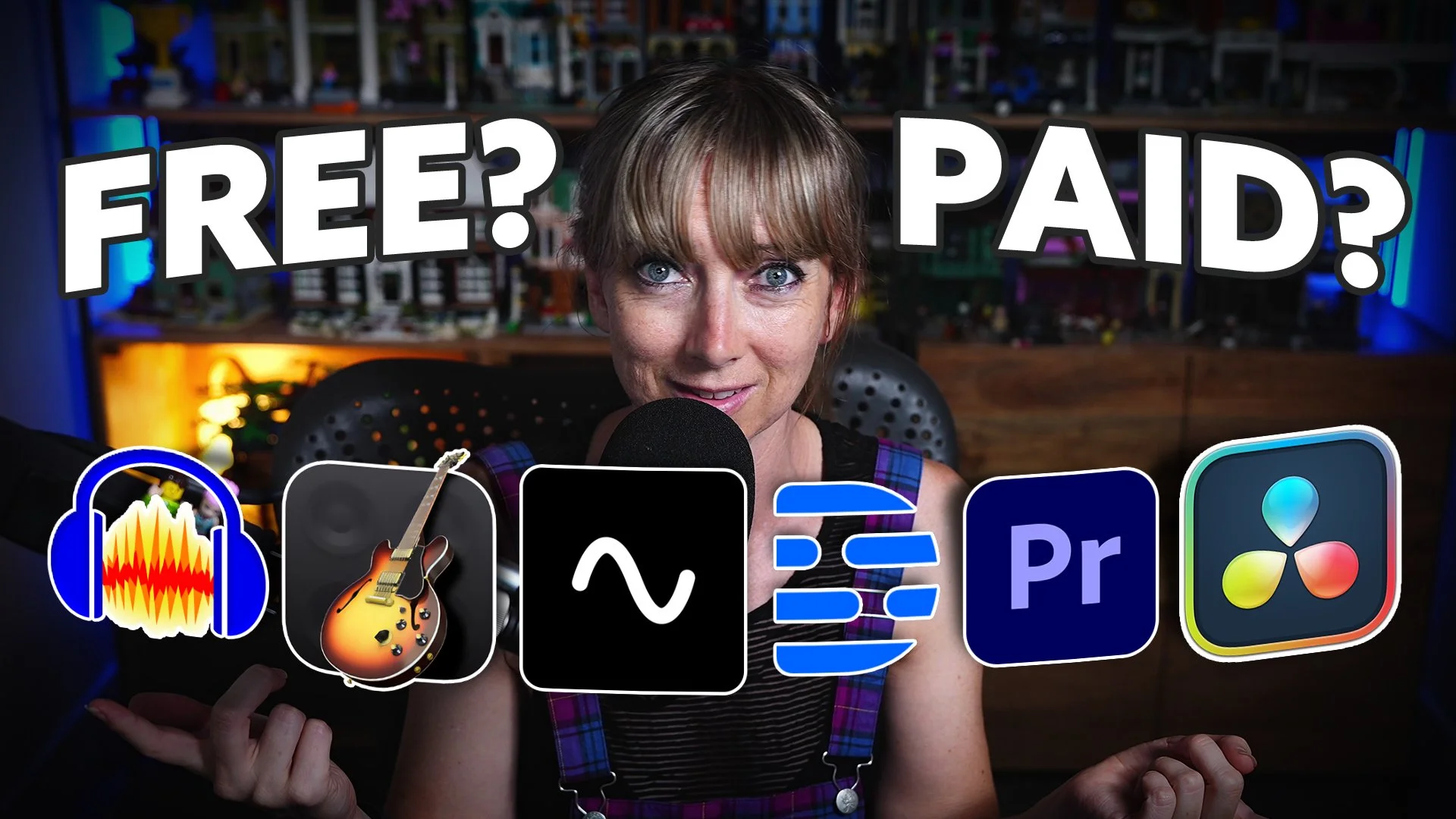
As someone who has worked in podcast production for over a decade, at this point I can say I’ve tried pretty much every software there is. When I was thinking about the DIY podcasters among us, the question I posed myself was simple:
Can you do a good enough job of recording and editing your podcast just with free tools, or is it worthwhile investing in a more robust paid option?
Whether you're recording your first episode or ready to level up your podcast production game, I'm about to break down the real MVPs of podcast software - both the wallet-friendly gems and the worth-every-penny investments that actually deserve your hard-earned cash.
Free Options for Podcast Recording and Editing
When it comes to free software, simplicity and efficiency are key. Let's start with the classics. For PC users, Audacity is a no-brainer, and Mac users can dive into GarageBand. Both of these platforms offer basic but effective tools to get you started. They are wonderfully accessible, though they might demand a bit of patience as you learn to navigate their interfaces.
I have a tutorial on how to get started with Garageband here, and one for Audacity here.
There is also a way to setup a recording template in Garageband, which I’ve outlined in this video here. The same principles can be applied in Audacity to setup the same way.
Although these tools don't support video editing, they're absolute gems for audio-only projects. From multi-channel editing to setting inputs and EQ adjustments, they provide just what you need without the fluff.
Another free option is your trusty phone. I know, that one might seem a little too “grassroots”, but it is possible to just use the “voice memos” app on your phone. You could record straight into that, export the audio and then upload it to your podcast host doing no editing at all. Although I wouldn’t advise this as a podcast professional, it’s technically possible and a very easy way to get started for nothing.
But let's aim higher, shall we?
Free Video and Audio Editing Software
If you're dabbling in video, the free version of DaVinci Resolve is your friend. This powerhouse tool allows for both video and audio editing, and remarkably, it won't cost you anything. However, be aware that you can’t record into Davinci resolve without Davinci Capture Devices, so you would have to record your content elsewhere, and then bring it into Davinci to edit. While it may pose a learning curve, it's a small price to pay for a tool that even pros appreciate. If you're ready to graduate from just audio, giving Davinci Resolve a try costs you nothing.
Paid Software Options for Podcasters
Let's turn the page to paid software solutions that significantly enhance your creative scope. First up, DaVinci Resolve Studio is the paid version of Davinci that opens the door to advanced features without resorting to a subscription model. It’s just a one-time cost that I really appreciate. It's perfect for those who need comprehensive video and audio capabilities that are also used by professionals worldwide.
For podcasters more comfortable with text-based editing and AI-enhanced features, Descript is a great choice. Its user-friendly interface is paired with powerful tools, making it an attractive option for novices. Sure, it may come with occasional bugs and changes that could throw you off, but its strengths in audio enhancement make up for it. It’s also relatively easy to learn how to use, and I have a playlist on our YouTube channel specifically to teach you how to use the software.
Another solid contender is Riverside.fm. It's especially handy for remotely recording and editing interviews, though its features are less robust compared to Descript. That being said, for beginners in podcasting, both Riverside and Descript cover your core needs well. For those interested, I compared the two options in this video here.
For the tech-savvy pros, Adobe’s offerings like Audition and Premiere Pro remain stalwarts. Their continuous investment in AI is making waves across the editing landscape, and they remain competitive choices for those entrenched in the Adobe ecosystem. I haven’t used Adobe’s tools in about 12 months, so I won’t recommend them above the others, but I’m very excited about the investments Adobe is making in the podcast production space right now.
While the podcast recording and editing options are quite vast, the trick is to find software that aligns with your needs and skills. Whether you're looking for a simple setup with GarageBand or Audacity, or aiming for full-fledged production powerhouses like DaVinci Resolve or Adobe's suite, there's something here for you.
Transcript:
-
Brianna: [00:00:00] What are the best podcast recording tools out there for you to use right now? We're going to go through some free and some paid options. These are my recommendations. These are the things that I can put my like stamp of approval on because some of these things on the market suck. I want you to avoid making mistakes, using tools that are time consuming and annoying and cost you too much money.
Let's just get into the things that I know work for a podcaster, a DIY person that's trying to do it themselves. And for those who are running their own, let's say podcast freelancing, business editors, or they're wanting to step into that market. Let's go through some things that you can use. First up, let's have a look at some free ones.
The most obvious free ones are Audacity for PC and GarageBand for Mac. Audacity [00:01:00] and GarageBand are both very simple to use. They do take a little bit of getting used to. If you have never used a podcasting tool before, a recording tool before, you're going to freak out when you get in there. You'll be like.
How do I record? How do I like set my inputs? There's some things you'll have, you'll need to learn how to do. And in fact, I have plenty of tutorials on this YouTube channel that can help step you through how to actually set up these tools, but they're free and they're pretty awesome. They don't have any video capabilities.
Okay. So if you're wanting to do video, then these aren't going to be the tools for you, but they are simple. GarageBand is included in your Mac most of the time, unless you accidentally deleted it and Audacity, you have to download from a website. You can download that. There are plenty of tutorials and.
Ways that you can learn how to record, how to set your inputs, how to, uh, set up your EQ and your compression and things like that. They are most of the things [00:02:00] as an audio podcaster that you really need. You just need to have a place where you can hit record. You need enough space on your computer so that you can actually record it and save it.
You need to be able to select different inputs. Like different microphones. You need to be able to EQ it, compress it, and put some music in it. Like, if we think about what you really need, that's kind of really it. If you've got multiple people and you're all together in the one space, GarageBand and Audacity can also handle that.
They can handle multi channel editing, recording as well. A little bit more of a setup to do that, but do know that you can absolutely do that. Within Audacity and GarageBand. So they're the free tools that I recommend. The other completely free tool that I recommend, like if we're just talking about recording, is actually just your phone.
Go to the voice memos section of your phone, talk into your phone like this. Hello. Blah, [00:03:00] welcome to my podcast. You could do that. And then if you used Buzzsprout as your podcasting host, you can have intro and outro that you've already recorded already set there. It's pretty simple, like that's free and pretty flippin simple, but I don't recommend it.
The phone is okay, and I will do a separate video on how you can optimize your phone to be your audio source and actually have it be pretty good with no gear, no money. You can make it work. So that's my recommendation for free. GarageBand for Mac. Audacity for PC. Your phone if you like grass roots.
You're just recording and then you're uploading and you're not doing any editing. You could just do that. Don't go anywhere else. Don't do any other things. They're the three things that I recommend for free. Paid is a little bit of a different conversation. Now if you want to do video as part of your stack.
There's also a free program called DaVinci Resolve, you can get the [00:04:00] free version of DaVinci and then that will allow you to have video editing and audio editing and it costs you nothing. The software is so good for free software, it makes no sense to me. Why is it free? You, is there some loophole that I'm going to get in trouble for?
It's a good free one to use. You can't do all the things unless you do the paid version. And even that is pretty cool because with the paid version, you're not paying like a subscription every month. You pay for a license, ends up cheaper. But if all you're doing is getting the video from your phone and a microphone, or you're using, like I am now, a camera, all you need is a way to Edit, chop up the video, do some color grading, do some EQing, do some compressing, and then export it.
It doesn't need to be It's super complicated. You don't need to have all the bells and whistles and the fancy motion graphics and all the stuff that we use here at Bamu Media. At its core, it can be a [00:05:00] simple thing. You can, you know, ratchet up the complexity as you go along, but you can do DaVinci Resolve free for your video as well.
That's pretty flippin cool. Let's move into the paid options. Now, I did kind of just mention one there. DaVinci Resolve, if you're working with video, has a fantastic, fantastic paid option for software and that's video and audio. It's audio isn't too bad either. You've got a bunch of different ways that you can edit within DaVinci, but do know that the audio section of DaVinci is pretty easy to manage.
It is a learning curve like anything, but It does the EQ really well. It does the compression really well, the motion graphics, the, all the things in DaVinci Resolve for a paid software is a fantastic option for podcasters wanting to use a video. It's robust. It's awesome. I highly recommend it. If this is your first time and you're a DIYer, DaVinci might be too much.
That's where Descript can be really helpful for [00:06:00] you. It's fairly easy to learn. And in fact, we have a mass amount of tutorials. We have a whole free DIY podcaster course that you can do that shows you how to use Descript. That's pretty damn good and it does do video and it does all the EQ stuff and it has a bunch of AI tools and it helps you with audio enhancement.
As a paid tool it's good, but as I have reviewed, bugs. There are issues with the platform that I find quite frustrating. So it's not gonna work the way you want it to work every day and also They change things a lot. Because it's like a startup, they do make a lot of changes. And I know they're improving things, but I kind of find it frustrating that one day something is somewhere and then the next day it's somewhere else or it's disappeared.
You know? It's like, why? Why do that? You're messing with my brain. That's a paid option that I definitely recommend for DIYers. It's not gonna be like, cool, I know what I'm doing immediately, like, you're gonna need to [00:07:00] learn. But paid as an option, all the extra things that you get inside of Descript make it worth the money from my perspective.
And that's video and audio. Their video is a bit meh. It's okay. You can work with it, but it's throttled. It's not like working with a dedicated video software. There are issues with it that you won't find on other platforms like DaVinci Resolve. If you're audio only Descript is so good. Like it's such a good software.
I'm so glad that it exists. There are issues, there are bugs, but if you're doing it all on your own. Descript is really where I would recommend that you actually go, that you start. Another paid option is actually Riverside FM, where you can record your solo content. And again, it's video as well as audio.
You can record your solo and your interviews within Riverside and also edit within Riverside. I've done a review of Descript versus Riverside, battling them against each [00:08:00] other. So you can see what I thought about that. But that as a tool for recording your podcast is actually quite a decent one as well.
So I do recommend Riverside. This is for like the novice. Okay. So Descript and Riverside, they're your kind of novice platforms that you would use with Good AI capabilities that help you understand things easier. They can't do everything that you want. If you want a bigger, more robust system and you want it to be paid, then DaVinci Resolve is definitely where it's at.
The other paid one that you can use is Adobe Audition and Adobe Premiere Pro. Those are two paid tools. You can get a Creative Cloud license and you kind of get a bunch of things in there, or you can get just one software. They're both really good too. And Adobe has been working really hard in the AI space to up level a bunch of things, uh, in their service and their software options there.
So I recommend those tools. [00:09:00] We don't use Adobe Premiere Pro as much as we used to. We have transitioned over to DaVinci Resolve for like the editing that you're seeing here right now. We, we work in DaVinci Resolve. But Adobe does have great products. So if we think about this now, if I kind of do a little bit of a wrap up, I don't want to give you too many options.
Cause I think that's the problem. You come to YouTube and you're like, which is the best software free? Which is the best software paid? And then there's like, you could use this, you could use this, or like, here's a massive list, or here's just one thing that I recommend. I don't really want to do that. I want to give you a couple.
For you to choose from knowing that I've used all these things that our team uses all these things every day and I can recommend them because we've used them. Let's go through it. For free options, Audacity for PC, GarageBand for Mac. Audio only, don't go anywhere else. That's it. Use one of those, you'll be set.
If you want video DaVinci Resolve. Free, [00:10:00] awesome software, but you're going to have to learn how to use it because it's not simple to use. Now if we go into paid. Again, DaVinci Resolve works really well in the paid capacity, video and audio. Descript if you're more of a novice. Riverside if you're again more of a novice, probably even more of a novice, right?
Riverside is, has less functionality than Descript. If you're recording your conversations with people remotely, Riverside has the best, most robust remote recording options, so you could just record and then edit in Riverside. I wouldn't recommend it necessarily. Go and watch my video on what I think of that when I put it against Descript, but it is an option.
And then the other paid options that are really very good is Adobe Premiere and Adobe Audition. That's it. There's other tools like Hindenburg, [00:11:00] which is good, Pro Tools, which is fantastic. It's just a lot though. You don't need to search through every single thing. Just use one of these tools that I've recommended.
Probably DaVinci Resolve if you're audio and video. And if you're audio only, you can start out with GarageBand and Audacity, completely free, and that would be enough to get you going. Okay, that's it. That's my wrap up. I hope that's helpful. Let me know in the comments if there's something else that you're like, Brianna, no, I use this and it's amazing.
Let me know. I'm open to opinions. I'm open to discussion and I hope you have a good day.
RESOURCES MENTIONED:
BAMBY MEDIA LINKS:
GEAR WE USE HERE AT BAMBY MEDIA:
Aputure Amaran 200d LED Video Light